XRatio for Windows

Your torrents.Your control.

Tracker interception. Torrent simulation. One native Windows app.

Free and open source.

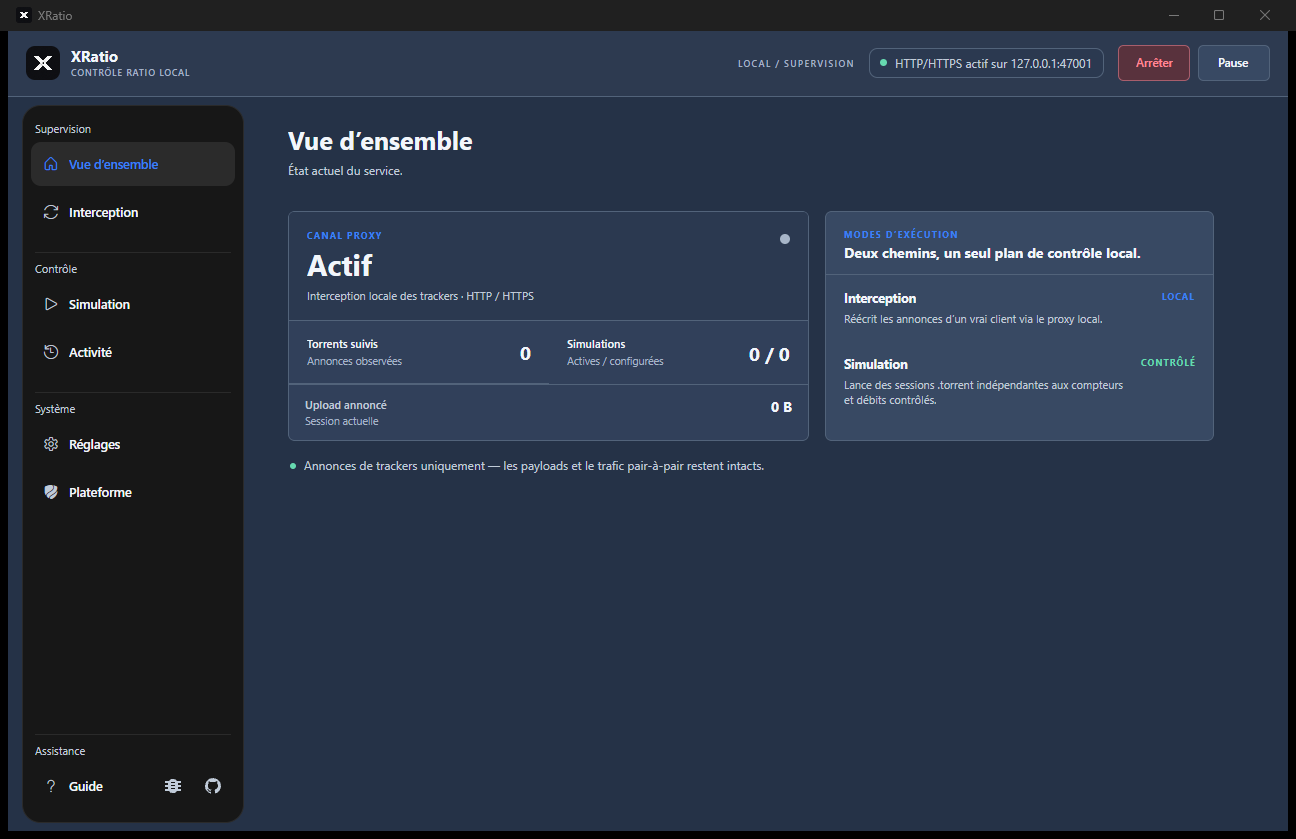
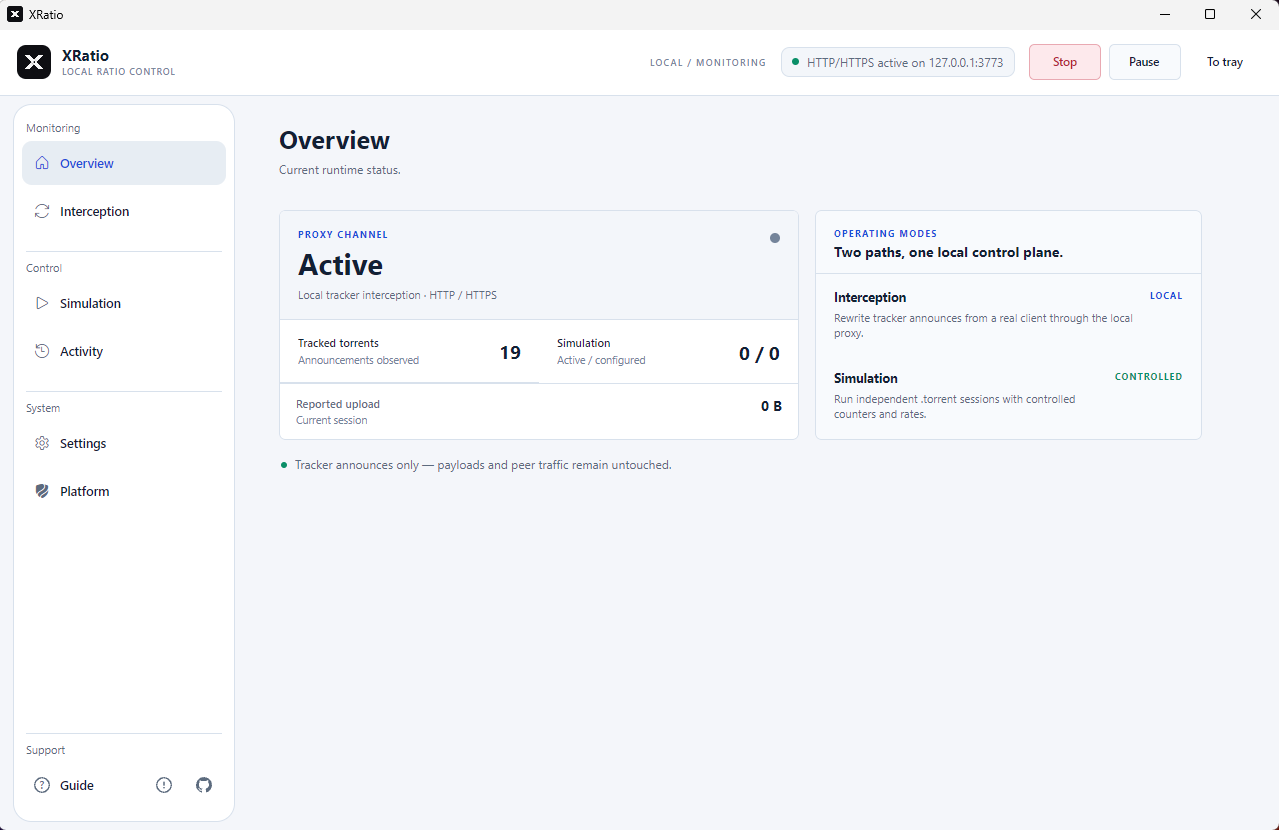
The real app. Click to take a closer look.

Meet XRatio.

Two ways to work.One place to be.

Control (interception).

Your client transfers the files. XRatio changes the reported numbers. Use this mode with qBittorrent or another torrent client. XRatio changes the upload and download amounts your client sends to the tracker — the site that keeps your ratio. Your actual file transfers stay with your client.

Simulation.

Send numbers to the tracker. Without transferring files. Open a .torrent file and choose the upload and download speeds to simulate. XRatio then tells the tracker that data is being transferred, without downloading or sharing the files. This mode works without a separate torrent client.

At home on your desktop. Four themes. Live activity. Tray controls. All the essentials, right where you need them.

See the documentation

Take the controls.

See the numbers.
Watch the ratio rise.

Start the demo, adjust the upload speed, and follow each announce from XRatio to an example tracker account.

Interactive illustration · accelerated time · no connection to any tracker

XRatioDemo

Simulation

Ready
example-linux.iso.torrentExample session · 10 GB downloaded
1 MB/s50 MB/s
Session upload0.00 GB
Next announce2.5 s

Ready to send the first example announce.

astertrackerFictional site
Your ratio
0.40
0.40Goal 3.00
Uploaded4.00 GB
Downloaded10.00 GB

Ratio = uploaded ÷ downloaded. This example starts at 4 GB / 10 GB. One second represents one minute; the example tracker refreshes every 2.5 seconds. Actual update timing and accepted statistics depend on the tracker.

A closer look.

Small messages. Visible changes.

Your tracker receives counters through announces. XRatio gives you a view of those messages, separately from the transfer of your files.

Example: 4 GB actually uploaded, 12 GB reported.

Your clientTransfers the files4 GB
XRatioAdjusts the announce12 GB
The trackerReceives reported counters12 GB

Both modes change reported statistics, not the amount of data actually shared. The tracker decides whether to accept these numbers and update your ratio.

Your desktop. Your way.

A place for every session.

Check the proxy at a glance. Follow events in Activity. Choose a theme and keep the app close in the system tray.

Explore the interface

From here to your desktop.

A guided first step.

  1. 1

    Open XRatio.

    Get the self-contained Windows executable. No separate runtime to install.

  2. 2

    Choose your mode.

    Connect your client to the proxy, or load a .torrent for an independent simulation.

  3. 3

    Follow the activity.

    Use the guide to check your setup, then inspect the first announce and its counters.

Read the complete guide

Make it yours.

Download. Open. You’re ready.

Get XRatio for Windows Windows x64. No separate .NET installation. Release notes and checksums ↗
Full XRatio screenshot